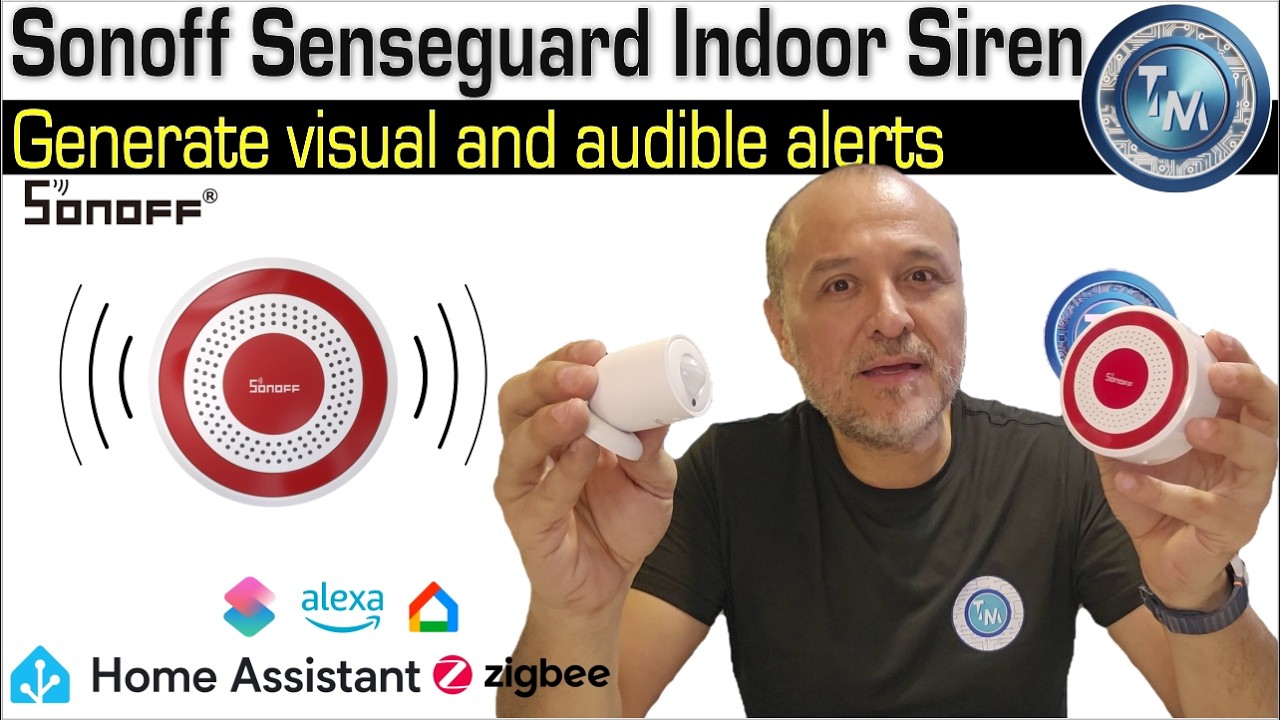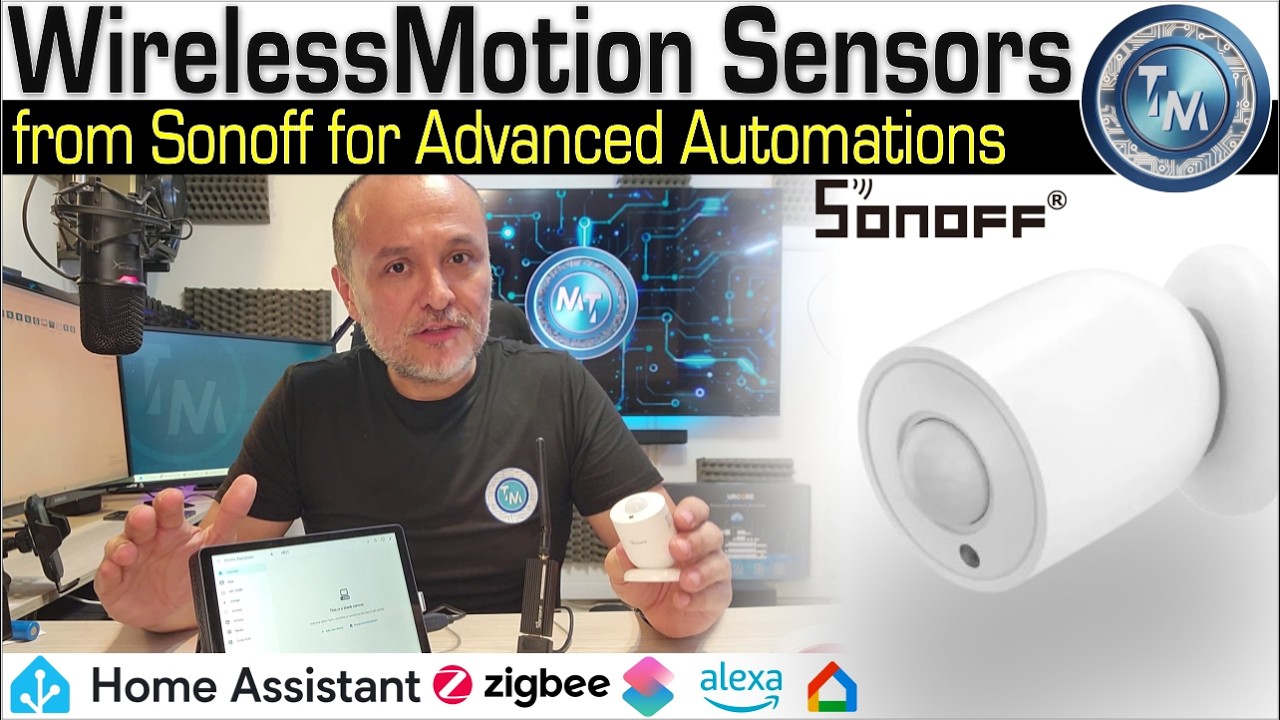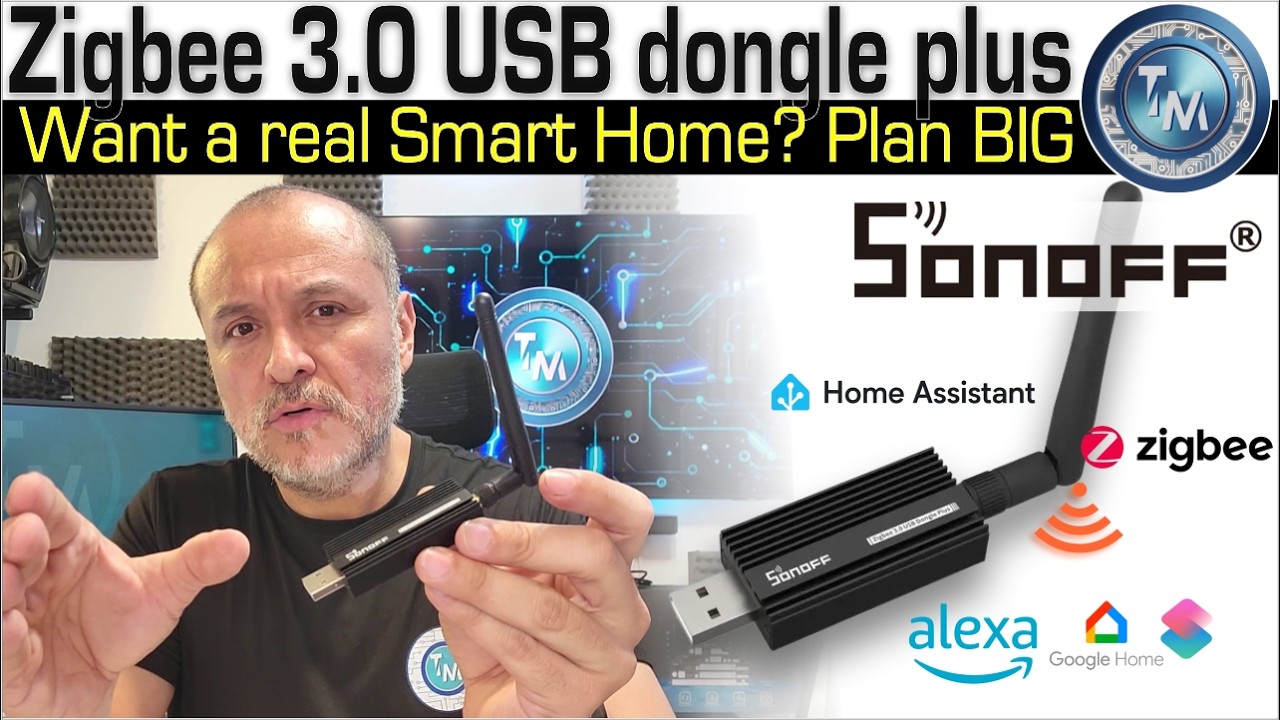

We build a Sonoff alarm system with Home Assistant and a control panel to arm and disarm it, using three basic devices: the ZBDongle-P as the Zigbee coordinator, the SenseGuard Motion Sensor Gen2 PIR sensor to detect presence in any of your areas and the SenseGuard Indoor Siren.
In this video we show you how to link Home Assistant to Nabu Casa, how to create your alarm control panel and how to protect it with a PIN, so the arming and disarming option stays hidden until the correct PIN is entered. If you want to build your own DIY home alarm with Zigbee devices, here you will see a complete system that can do much more than many off-the-shelf products.
What you will see in this video
Today we take a quick look at how to create a control panel for arming and disarming your alarm system based on three basic Sonoff devices. First the Dongle (ZBDongle-P) that will act as your coordinator, then the PIR sensor (SenseGuard Motion Sensor Gen2) for detecting presence in any of your areas and third the siren (SenseGuard Indoor Siren).
A complete system that, as we said, is capable of much more than many off-the-shelf products.
How to create a PIN-protected helper so you can hide your arming and disarming option until a correct PIN is entered.
Video chapters
- 00:00 Intro
- 01:16 Prerequisites for creating your own DIY alarm system
- 01:56 Link your Home Assistant to Nabu Casa
- 04:10 Create your alarm control panel
- 07:29 PIN protect your control panel for the alarm
- 09:21 Add PIN cards to your dashboard
- 12:21 Conclusions and recommendations
Hardware used in today’s example
- SONOFF Zigbee 3.0 USB Dongle Plus Gateway – a universal Zigbee USB gateway with an antenna for Home Assistant: https://amzn.to/4hUoRmW
- Purchase directly from Sonoff: https://sonoff.tech/en-us/products/sonoff-zigbee-3-0-usb-dongle-plus-zbdongle-p?ref=techmoments&utm_source=affiliate
- Mini PC from KOOSMILE: https://amzn.to/49PH4Nx
- SONOFF SenseGuard SNZB-03PR2: https://amzn.to/4hP8czV
- SONOFF Indoor Zigbee Siren: https://amzn.to/4jUk9aa
- Broadlink remote control with temperature and humidity sensor: https://link.amazon/B0cfFMCwE
Useful links
- Current documentation for the device: https://help.sonoff.tech/docs/snzb-09p
- Visit the Home Assistant page: https://www.home-assistant.io/integrations/zha/
Don’t forget that you immensely support us by kindly liking this video and subscribing to our channel.
Please keep in mind that as an Amazon Influencer, I earn a commission from qualifying purchases; using these links is a great way to support us!