contact@technologymoments.com
Technology Moments
  • Home
  • Our Content
  • Contact Us
  • Downloads
Select Page

Sharing Files and Links in Google Meet

Jun 25, 2020 | High Speed Networks Moments | 0 comments

[embedyt] https://www.youtube.com/watch?v=MSpGhqzRw00[/embedyt]
In this video we show you how to share files and links in Google Meet by previously uploading and linking your content in Google Calendar. It is important to use this platforms in sync as they are designed to work really well together. #GoogleMeet #OnlineClasses #ShareFilesGoogleMeet

#Previous article
Next article$

Related Posts

Real coverage of the WAVLINK BE5100 WiFi 7 Access Point Insane Range is exactly what you should get

Real coverage of the WAVLINK BE5100 WiFi 7 Access Point Insane Range is exactly what you should get

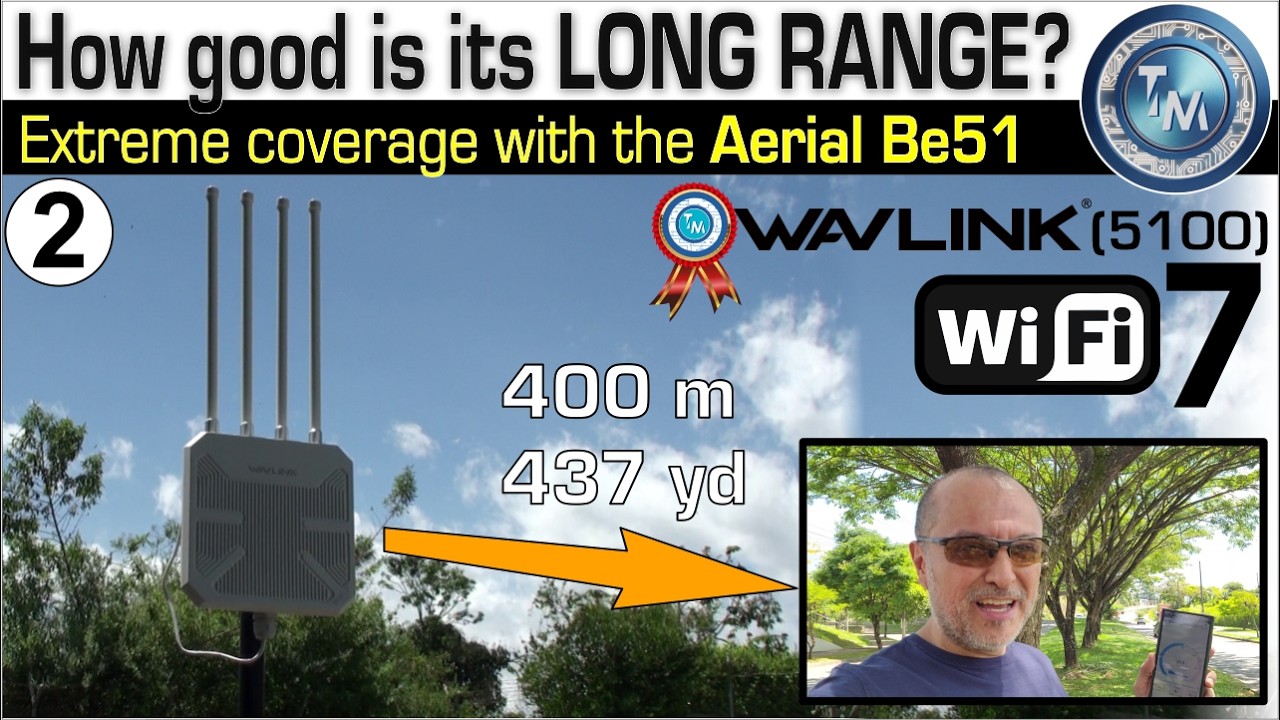
WAVLINK AERIAL BE51 Extraordinary Coverage, WiFi 7! Extra Long Range Dual Band Outdoor Access Point

WAVLINK AERIAL BE51 Extraordinary Coverage, WiFi 7! Extra Long Range Dual Band Outdoor Access Point

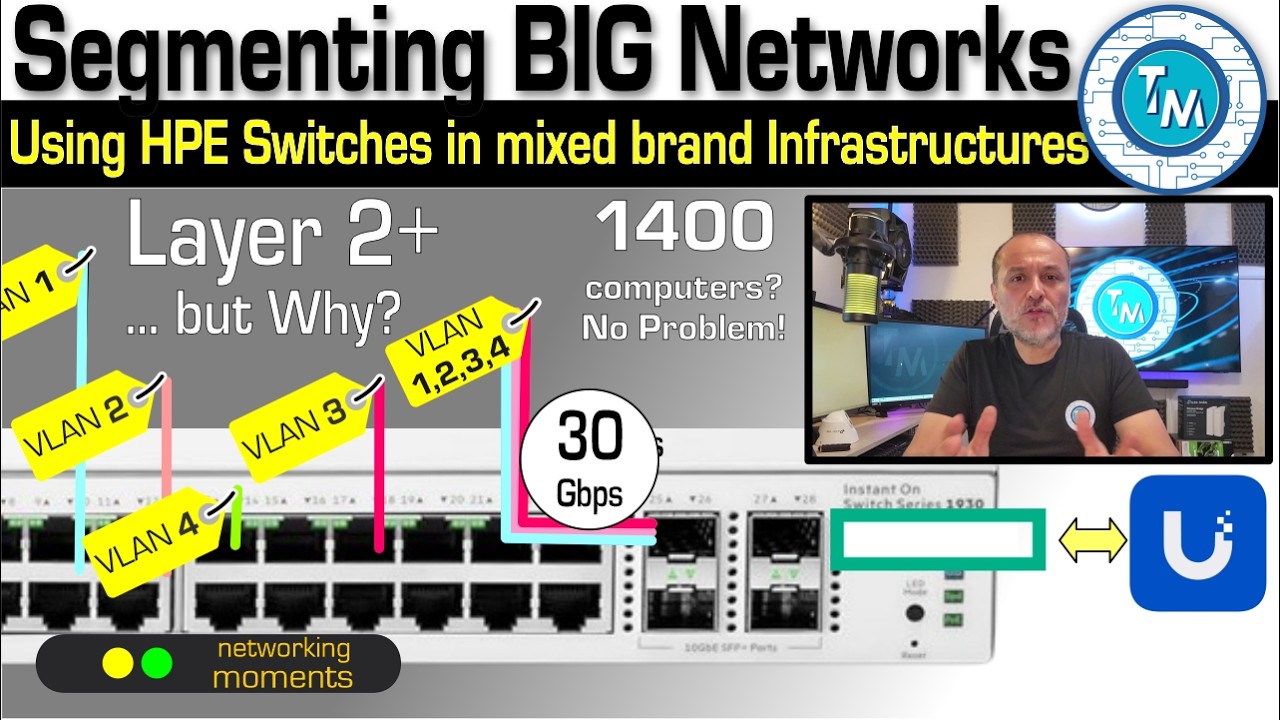
Segmenting your VLAN merging two brands: UNIFI and HPE with Layer 2+ Switches, 1930 Instant On Cloud

Segmenting your VLAN merging two brands: UNIFI and HPE with Layer 2+ Switches, 1930 Instant On Cloud

Submit a Comment Cancel reply

You must be logged in to post a comment.

Categories

  • Business Moments
  • Business Networks Moments
  • Connectivity Moments
  • DashCam Moments
  • Education Moments
  • EnGenius Moments
  • Entertainment Moments
  • Featured this month
  • Gaming Moments
  • High Speed Networks Moments
  • InstantOn Moments
  • Mobile Moments
  • Omada Moments
  • Productivity Moments
  • Security Moments
  • Smart Home Moments
  • Tools and Gear Moments
  • TP Link Moments
  • UDM PRO Moments
  • Unifi Moments
  • WiFi Moments

Contact us



contact@technologymoments.com



Global

Visit our Amazon Storefront

You may find our most recommended products.

Go to store